Services Networks & IT

A network a stranger can run.

Most small networks have one expert, and most of what they know is in their head. The four-tenant building written up on this site arrived exactly like that: one consumer modem, everyone on the same flat network, and nobody who could say which cable went where — so if the person who set it up left, the building's internet left with them. The work here goes the other way round. Separation the network enforces rather than asks for, restores that have actually been performed, and a documentation set generated from one data file so it cannot drift away from the thing it describes.

PartsCisco Meraki · VLANs · Cloudflare DNS · VPN · Docker · Linux VPS · Google Workspace

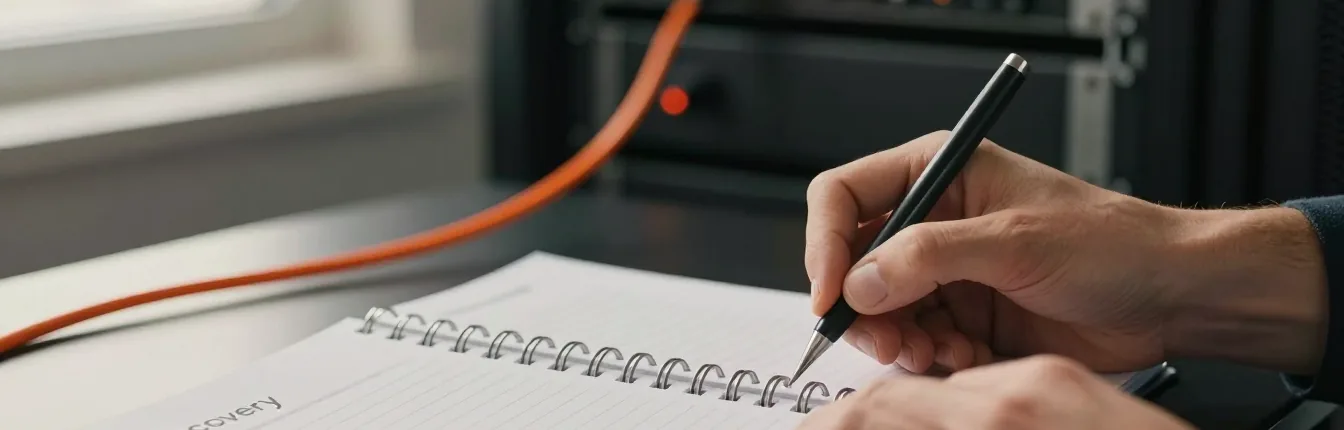
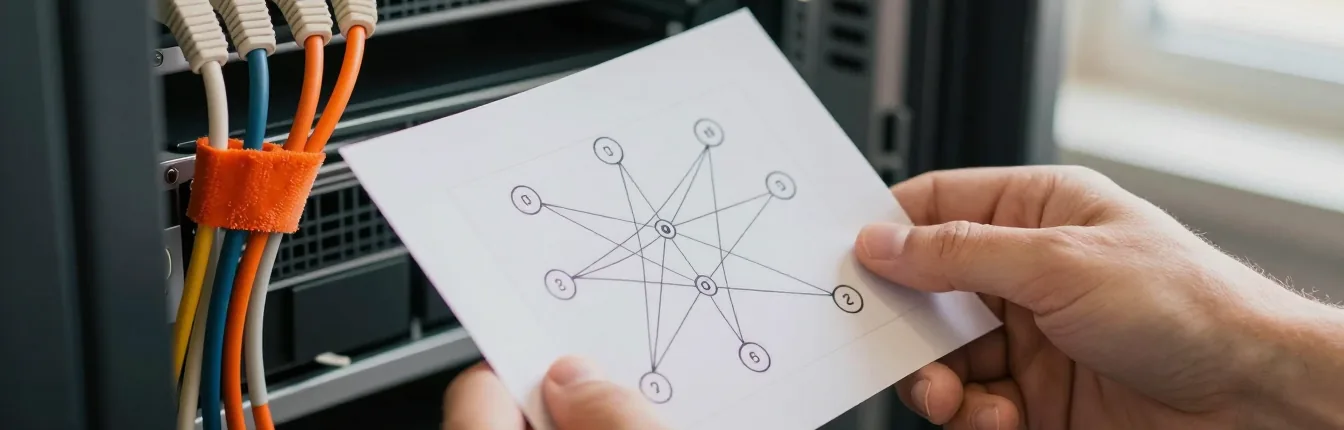
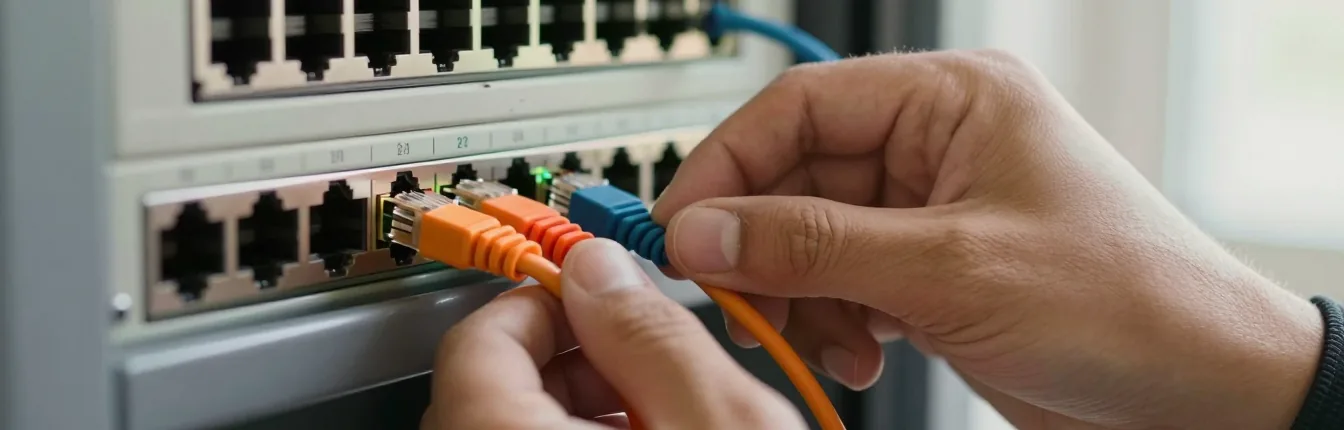
A hand-drawn topology diagram held up in front of a rack, an orange patch cable being seated in a switch, a port being labelled, and a person writing in a notebook beside the rack lights.

§01 What gets built

Four things, and the last one is the largest.

Three of these are the network. The fourth is the reason the network survives you, us, and whoever is holding the keys in three years' time — and it is usually more work than the other three together.

Segmented networks

One line in, separate networks out. Tenants, staff and the public guest Wi-Fi each get their own segment and their own key, so a device on one has no route to the others and no way into the management network the building is run from.

PartsCisco Meraki · VLANs · one SSID each

DNS, mail & the edge

Records that point where you think they point, a cutover planned so the old destination stays standing until the new one has proved itself, and mail set up so the visible sender and the envelope sender agree — which is what makes SPF align and DMARC pass.

PartsCloudflare DNS · SPF · DKIM · DMARC · TLS

Servers & backups

A Linux machine and a handful of containers, for the work where paying per user every month has stopped making sense. Every backup is restored onto clean hardware before it counts as a backup, because a copy that has never come back is a claim.

PartsLinux VPS · Docker · restore rehearsals

Manuals & recovery guides

The larger half of the job: a master manual, a quick guide, an admin access sheet, a recovery guide and the diagrams — all generated by script from one canonical data file, so when the network changes the manuals get rebuilt rather than re-typed.

Partspython-docx · cairosvg · SVG diagrams

§02 How the work goes

Five stages, and one test at the end of them.

The test is the same one every stage is building towards: could somebody who has never seen this network bring it back by reading? Everything here either moves that answer towards yes or it does not belong in the job.

01 · SURVEY Where everycable goes 02 · SEGMENT Trust drawnas lines 03 · BUILD Cut overin the quiet 04 · REHEARSE Break iton purpose 05 · HAND OVER Keys andmanuals
Swipe across — 04 is the stage that gets skipped in this trade, because everything appears to work without it. It is also the only stage that tells you whether any of the rest is true.

01 · Survey

Where every cable goes

Every port, every SSID and every account that can change something — captured from the console and reduced to one data file before anything is touched.

What happens

Most of this work starts in a building where nobody can say which cable goes where. The first pass is inventory rather than opinion: what the line actually is, what the gateway actually is, which devices answer, which networks are broadcasting, and who holds the logins that can change any of it. Every console screen gets captured and reduced to one canonical data file — because that file is what every diagram and every page of the manual is generated from later, and it is the reason a changed credential updates every page that mentions it rather than four pages out of five.

The pass ends in a findings list: what is wrong, ranked by what it would cost you, with the fix written beside it rather than quoted separately. Most of what follows can be done from a browser. Where hands are needed in the room, they get named at this point instead of discovered on the afternoon something is down.

What you get

  • One canonical data file that every later document is built from
  • A findings list ranked by consequence, with the fix beside it
  • The tasks that need hands on site, named in advance

02 · Segment

Trust drawn as lines

The public guest network is the least trusted thing in the building. The management network is the one nobody else can see. Everything else sits between those two, deliberately.

What happens

Segmentation is a hierarchy of trust written as configuration. In the four-tenant building that meant five VLANs — four tenants plus management — with one SSID and one key per tenant, so a device on the shop's Wi-Fi has no route to the office's machines and no way into the management network the place is run from. Intrusion detection and content filtering go where they earn their keep rather than everywhere: switched on blanket they mostly produce noise somebody learns to ignore, which is worse than not having them at all.

Remote administration is designed in here rather than bolted on afterwards — cloud management, a client VPN for the work that has to reach inside, and configuration that is pushed rather than typed into a box in a cupboard. Nothing gets built that can only be fixed by standing next to it. A unit that dies is replaced by one that pulls its own configuration down, which is a different kind of afternoon from rebuilding a router from memory.

What you get

  • A VLAN and SSID map — one segment and one key per tenant
  • Security services applied where they earn their keep, not everywhere
  • A design with no step that requires somebody standing beside it

03 · Build

Cut over in the quiet

A window, a written order of operations, and a way back from every step — agreed before anything is touched.

What happens

The order matters more than the speed. Management comes up first, so there is still a way in if the rest misbehaves; then the tenants; then the guest network last. DNS and mail cutovers are treated the same way — time-to-live lowered in advance, the new destination tested before anything points at it, and the old one left standing until the new one has proved itself rather than switched off the same evening. Mail is the one nobody schedules and everybody notices.

The time difference is the one genuine advantage of working from here, and it is worth stating narrowly: the change that takes your network down is made while your building is empty, and from this desk that is an ordinary working afternoon rather than somebody's lost night. The window is scheduled around your quiet hours, not ours.

What you get

  • A written cutover plan with the order of operations fixed
  • A way back at every step, agreed before the window opens
  • The window scheduled for when the building is empty

04 · Rehearse

Break it on purpose

A backup nobody has restored is a rumour. Before anything counts as finished, a copy is brought back onto clean hardware — not checked for a green tick, restored.

What happens

This is the stage the rest of the page exists for. Green ticks in a console are evidence that a job ran, not that a system comes back, and the day you discover the difference is always the worst available day to discover it. So a restore is performed onto a machine with nothing on it, and what comes back is checked against what was supposed to come back.

The recovery guide is held to the same standard, and it is a demanding one: it has to be executable by somebody who has never seen the system. A procedure written by the person who already knows the answer reads perfectly to that person and stops being followable at the first step they assumed was obvious — so wherever we can put it in front of one of your own people cold, we do, and every place they stop is a place the guide is wrong rather than the reader. Those stops are the most valuable thing produced in the whole job.

What you get

  • A restore performed onto clean hardware, not a backup report
  • A recovery guide held to the cold-reader standard, and walked cold where you can give us a reader
  • Every step that stopped a newcomer, found and written in

05 · Hand over

Keys and manuals

The accounts are in your name, ours is a separate login you can delete in one click, and the manuals leave the job with you rather than living on our machine.

What happens

The documentation set is the deliverable, not the paperwork after it. For the four-tenant building it came to roughly forty pages: a 16-page master manual, a 4-page quick guide, an admin access sheet, a 7-page recovery guide, five diagrams — physical topology, VLAN segmentation, SSID map, security services and access layers — and a self-contained HTML overview. Access and credentials come first, install and recovery next, the full reference last: the order you need them in when something is down, not the order they were built in.

Access is handed over as deliberately as the files. The dashboard, the domain and the hosting are in your name from the first day, and the studio works from a separate named account that can be removed without breaking anything else. A supplier you cannot lock out is the real lock-in, and it is almost never malice — it is a decision nobody made at the start.

What you get

  • The full documentation set, generated from the data file
  • Admin accounts in your name; ours separate and revocable
  • Diagrams of topology, VLANs, SSIDs, security services and access layers

§03 The toolkit

Parts, and why each one is there.

The gateway is chosen for the building rather than the brochure — Cisco, Ubiquiti, Fortinet, Palo Alto, Juniper, Aruba, SonicWall, MikroTik, pfSense, WatchGuard, Sophos and Netgate all end up in front of one eventually. What does not change is the discipline around it.

PartWhy it is there
Cisco MerakiThe gateway on the multi-tenant build published here. Cloud-managed and administered from a browser by design, which is what makes a network on the other side of the world an ordinary thing to run rather than a brave decision.
VLANsSeparation enforced by the network instead of by asking people not to look. Four tenants on one fibre line is a segmentation problem long before it is a bandwidth problem, and it is the cheapest fix in this entire list.
One SSID per tenantBecause a shared password is not a boundary. One network name and one key each means a staff change in one unit never turns into re-keying the whole building.
Client VPNThe route in for administration that puts one authenticated endpoint on the gateway rather than a management interface on the internet — and a route you can close, which is the point of it being a named account rather than a shared one.
CloudflareDNS, TLS, an edge cache and a firewall in front of hosting you already own, and one nameserver change away from being gone again. Reversibility is the reason it is on the list.
SPF, DKIM, DMARCMail alignment is arithmetic rather than taste: the visible sender and the envelope sender have to agree, or your invoices land in spam. DMARC starts in reporting mode, so you can see everything already sending as you before anything of yours gets rejected.
Google WorkspaceWhere the mailboxes sit when the answer is not a server you own. It runs here for the studio’s own mail alongside Microsoft 365, so what gets said about either comes from using it rather than from a comparison chart. The alignment records above are what decide whether your mail arrives; the platform underneath them is a preference.
Linux VPSWhere a self-hosted service goes once paying per user every month has stopped making sense. Plain packages and plain files, so the machine can be rebuilt from the guide rather than from somebody's memory.
DockerA service pinned to a version and described in a file, so “how was this set up” has a written answer. A container you can rebuild is a container you can move to another host.
python-docxThe manuals are generated, not typed. One data file goes in; the Word and PDF versions come out. It is the mechanism behind the promise that documentation cannot drift from the network.
cairosvgTurns the SVG diagrams into images the documents can carry at any size. Topology, VLANs, SSIDs, security services and access layers all come out of the same drawing rather than five screenshots taken on five different days.
A clean machineNot a tool but a rule, and the one that does the most work: nothing counts as a backup until a copy has been restored onto hardware with nothing on it. Whose machine that is gets decided per job — what is not negotiable is that the restore happens.

NoteConfiguration lives in the platform that owns it, and the documentation source file lives in version control — so a manual that changed can be diffed, and you can see when and why.

§04 Hands on site

What needs a person in the room.

any task from a browser your own staff a contractor if it is a setting a plug or a button a cable or a ladder
Three ways a job gets done, and only one of them is us. Settling which is which in the first week is what stops a fault turning into an argument about whose job it was.

This is the lane where “remote” and “one person” sound weakest, so it is the part to settle first rather than last. Three questions do it:

  1. Is it a setting or a socket? A VLAN, a firewall rule, an SSID, a DNS record and a firmware push are settings, and this class of equipment is administered from a browser on purpose. Seating an ONT, pulling cable through a ceiling and labelling a patch panel are sockets. The design never depends on somebody being able to stand next to it — but the sockets still need a person.
  2. Whose hands are they, and do they know yet? Usually your own staff for the small things and a local cabling contractor for the rest, both working from numbered instructions with a photograph per step and a call open while they do it. Both get named and agreed before the window opens, which is a great deal cheaper than finding one on the afternoon something is down.
  3. What happens on the day nobody is reachable? There is no van here and no night desk, so the answer has to already be in the building: labelled ports, a restore that has been performed, a recovery guide written to be followed by whoever is holding it, and a local escalation agreed in advance. If that is not enough cover for your risk, a local provider is the right answer and you should buy one.

None of that is a disclaimer. It is the design constraint the whole method comes from: build nothing that requires the builder, and the question of where the builder happens to be stops mattering.

  • Accounts in your name
  • Revoke us in one click
  • Restores rehearsed
  • No retainer

§05 Not a sales page

How this usually goes wrong.

Six ways small networks fail. Four of the six were in the building described above on the day it was surveyed, and none of them looked like a problem until it was one.

  1. One person who never wrote anything down. The real single point of failure in a small office is not a supplier in another country; it is the one local person who set everything up and kept it in their head. When they leave, the passwords, the cable runs and the reasons all leave on the same afternoon.
  2. A flat network with a shared password. Everybody on one subnet, one key handed around the building, and a public guest sitting in the same broadcast domain as the machines that hold the money. Nothing looks wrong until the day one infected laptop can see every other device on the premises.
  3. A backup that has never come back. Green ticks in a console are evidence that a job ran, not that a system returns. Until a copy has been restored onto a machine with nothing on it, what you own is an untested claim — and the moment you find out which is always the worst available moment.
  4. A manual written by the person who built it. It reads perfectly to its author and stops being followable at the first step they assumed was obvious. Until somebody who has never seen the system has walked it cold, a recovery guide is a description of a network rather than a procedure for restoring one.
  5. Assuming the ISP's box is neutral. On one build a full week went into “why will the VPN not connect” before the ONT turned out to be handing out a carrier-grade NAT address — and the cloud-managed tunnel worked through it anyway. Ask for bridge mode on day one: the answer is free, and the week was not.
  6. A supplier you cannot lock out. The dashboard in their account, the domain at their registrar, the only administrator login carrying their address. It is rarely malice and almost always a decision nobody made, and it turns leaving into a negotiation instead of a single click.

§06 Straight answers

The questions we actually get.

Who physically plugs it in?

Not us, and that is said at the start rather than discovered halfway. Seating an ONT, pulling cable through a ceiling and labelling a patch panel need hands in the room, and those hands are your own staff or a local cabling contractor working from numbered instructions with a photograph per step and a call open while they do it. We do not run cable, rack equipment or install anything on site. Everything after that — gateway, VLANs, SSIDs, firewall rules, DNS — is administered from a browser by design.

What happens when it is down and you are asleep?

You should assume we are. There is no overnight desk, no four-hour on-site response and no spare switch in a van, and a one-person studio that implies otherwise is selling you something. What stands in their place is built earlier: labelled ports, a restore already performed on clean hardware, a recovery guide written to be followed by whoever is holding it, and a local escalation agreed by name before anybody needs it. If your building cannot tolerate that, hire a provider with a bench — that is the honest answer, not a sales objection.

You are one person. What if you are unavailable?

Then nothing should be waiting on us, which is exactly why the documentation is the larger half of the job rather than the paperwork after it. Nothing gets built that only we can log into, the admin accounts are in your name, and the recovery guide is written to be executed by somebody who has never seen the system. A supplier who cannot be replaced is a risk whatever country they are in. What you do not get is a bench: this is one person's capacity, not a department's.

How do we lock you out?

In one click. The dashboard, the domain and the DNS are in your name and on your billing, and our access is a separate named account — so revoking it is deleting one user rather than changing every password in the building. At the end of a job it is revoked by default rather than left sitting there dormant, and the admin access sheet you hold is what you check that against. A network you cannot lock your supplier out of is the real lock-in, and no contract clause fixes it. Only the account list does.

Can you survey our wifi from there?

Not properly, and anybody who says otherwise is guessing. Coverage is a physical problem — walls, lifts, a metal roof, the neighbour's access point — and it is answered by walking the building with a meter, which cannot be done from here. Segmentation, routing, firewalling, DNS and documentation are logical problems, and those are answered perfectly well remotely. If the real complaint is dead spots on the second floor, hire somebody local for the survey; we will design from their readings and say so in the findings.

Nobody here has the passwords. Where do we start?

With what is actually there, before anything is changed: an inventory of every device, port and SSID, a named owner for every admin account that can be found, and a findings list ranked by what bites first. Ownership of the domain usually bites first, because the mail and the website both hang off it. Some of it comes back the slow way, through registrar and provider recovery processes that need you rather than us. That recovery is a real cost — and it should also be the last time you ever pay it.

Can we do this as one project rather than a contract?

Yes, and it is the usual arrangement: a defined piece of work that ends with the network segmented, the restores rehearsed and the manuals in your hands. There is no retainer to sign and nothing that stops working if you never call again. It also means we are the wrong studio for the daily business of IT — a printer that will not print, a laptop that will not wake. That needs somebody who can walk to the desk, and it is worth having a local person for it whether or not we ever touch your network.
Could a stranger bring it back?

If the answer is no, that is the job — and it starts with finding out what is actually in the building. Describe what you have and what you are afraid of.

Leave a note See the network work

Alsoone fibre line, four tenants, five VLANs · web & app design · AI integration